MokuDocs 1.0
A complete documentation template running entirely on native Framer CMS.
Price
$19 USD
Current version
1.0
Released
Category
Framer, Template, Documentation
Single use license.
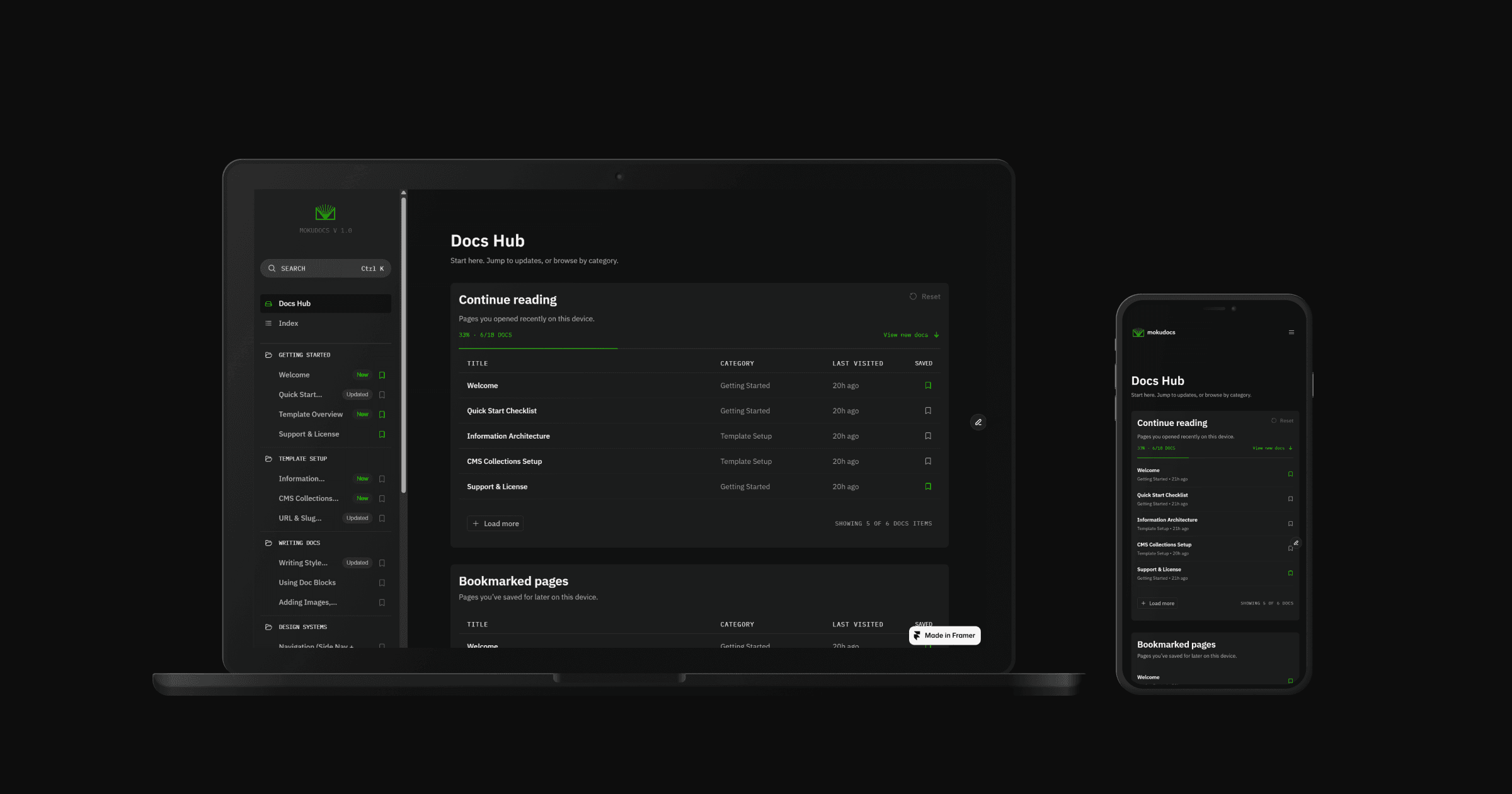
MokuDocs 1.0 is the original MokuDocs documentation template for Framer: complete, dependency-free and running entirely on native Framer CMS.
MokuDocs 1.0 is the original MokuDocs: a complete documentation template that runs entirely on native Framer CMS, with no external services to configure or maintain. It launched on the Framer Marketplace in April 2026 and stays on sale at $19 for teams that want a self-contained docs site without the extras.
Built to hand over
Everything a docs site needs ships working: category-driven navigation, search, reading support and a full content scaffold. Content is managed through the Framer CMS panel, so whoever owns the docs publishes them, with no engineer in the loop and nothing external to break.
Which version to choose
Choose 1.0 for a lighter template at a lower price with the same native CMS foundation. Choose MokuDocs 2.0 if you want the rebuilt reading experience with the glossary, saved highlights and changelog: it is sold separately at $79.

Docs belong to categories and the sidebar renders from that relationship. Buyers add articles and categories entirely through the Framer CMS panel, no code changes needed.

Site-wide search in the modal developers expect, querying CMS content directly. No Algolia account, no API key, no external index to keep in sync.

A reading progress bar on every doc, an auto-generated table of contents built from headings, and a bookmark and continue reading system, all native components with no dependencies.

Designed dark-first with a manual theme toggle on every page. High contrast, clean typography and structured whitespace in both modes.

More than 18 sample docs across multiple categories, breadcrumbs, previous and next navigation, an FAQ page and a custom 404, ready to replace with your own content.

Released July 2026 at $79. A clean-slate rebuild focused on the reading experience, adding the glossary, saved highlights, changelog tag filtering and runtime theming.
An auto-generated table of contents sits beside every doc as a quiet reading rail, tracking the current section as readers move through the page.
Every doc lives in one filterable index, organised by category and driven entirely by the CMS. New pages appear the moment they are published.
Terms open as definitions in place, so readers never leave the page to understand a concept. The glossary is a CMS collection like everything else.
Readers save pages as they go and pick up where they left off, straight from the header on any page.
A selection becomes a saved passage with a note attached, ready to find again from the highlights icon in the header.
All content lives in native Framer CMS. Docs, changelog and glossary are collections in the same project, behind one publish button.